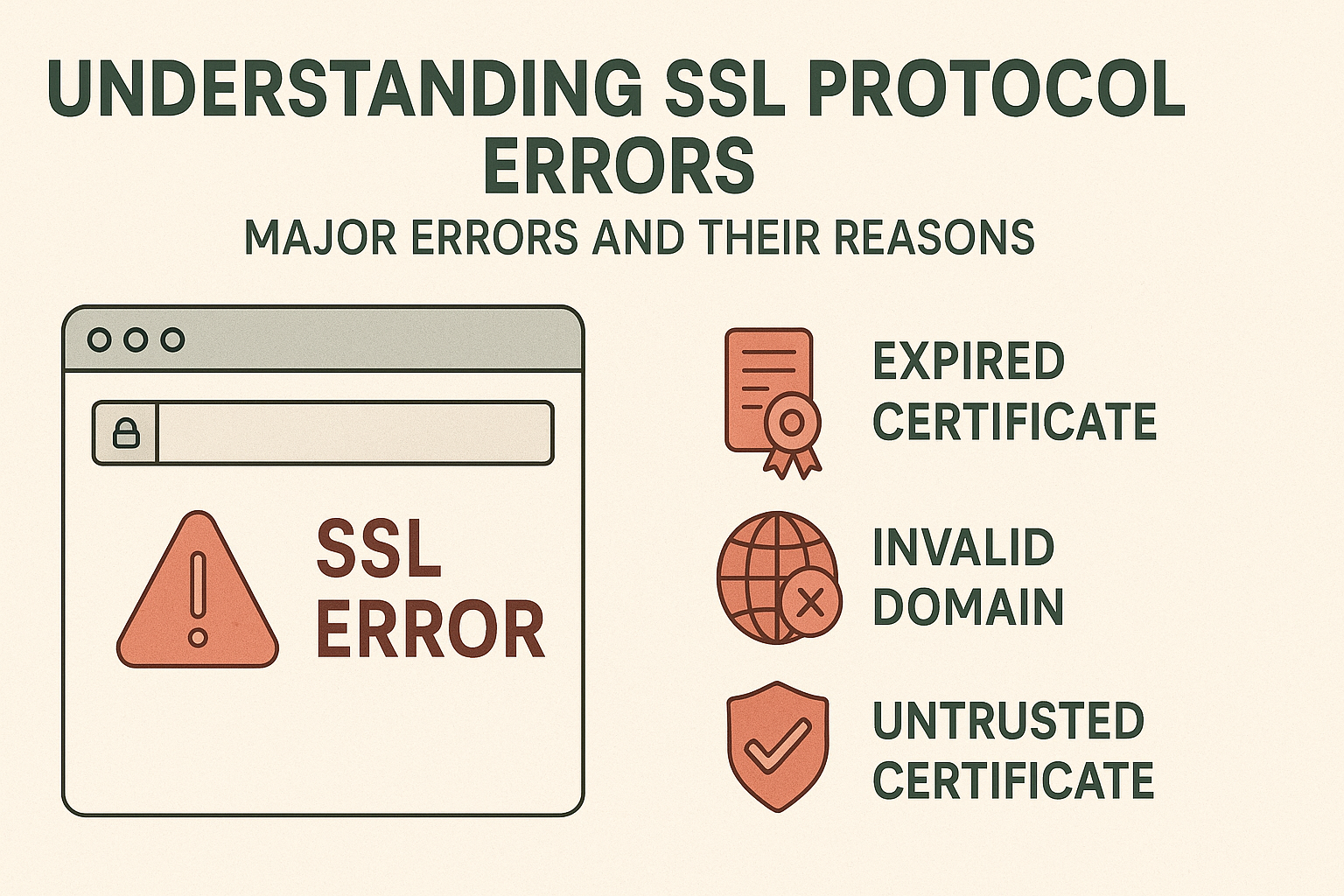
Encountering errors is nothing new when establishing connections between clients and servers, and one of the most common security-related errors faced by people is the SSL (Secure Sockets Layer) protocol errors. These errors are usually encountered when there is a mismatch between the SSL/TLS handshake protocol, which stops the server from establishing a connection.
The error is often displayed to people as ‘ERR_SSL_PROTOCOL_ERROR’ and can be encountered by people on different web browsers, like Chrome and Firefox. Like other errors, the appearance of this error can create numerous issues for you and interrupt your experience on the internet, which is why it is very important to be familiar with the errors and their major causes. Use this guide to learn everything about the Err Ssl Protocol Error.
Understanding Common SSL Protocol Error
An SSL protocol error is an issue either on the browser side or on the server side that stops the secure HTTPS connection from being established successfully. In such cases, users might notice the commonest errors as follows:
ERR_SSL_PROTOCOL_VERSION_ALERT
This error indicates that no common SSL/TLS protocol version can be agreed upon between the client and the server. Most modern browsers require at least TLS 1.2, whereas some older servers might only allow usage of those SSL/TLS versions that have become deprecated over time. This is quite common when:
- The server is set up to support the old, insecure protocols such as SSL 3.0 or TLS 1.0
- The client (browser) has completely turned off support for older protocols for the sake of security
- There happens to be a proxy or a firewall standing in between that is meddling with the negotiation of the protocol
ERR_SSL_HANDSHAKE_FAILURE
This SSL protocol error is seen when the client and server fail to complete the SSL/TLS handshake process that would lead to the establishment of a secure connection between them. The handshake process includes several steps:
- Client Hello: The client is the first to introduce himself; he shows supported SSL-TLS versions and cipher suites
- Server Hello: The server chooses one from the available, reveals the selected protocol version, and cipher suite
- Certificate Exchange: The server delivers its SSL certificate for validation
- Key Exchange: Both together form the session’s encryption keys
- Finished: The handshake is done, and encrypted communication starts
ERR_SSL_NO_CYPHER_OVERLAP
This error indicates that no cipher suites that are common to both the client and the server are available for encryption. Generally, this takes place under the following circumstances:
- The server is set up with a very limited selection of cipher suites only.
- The client’s negotiated cipher suites are too advanced for the server.
- The server’s cipher configuration is incompatible with its SSL/TLS protocol version.
- Security policies at either the client or server side are too restrictive.
ERR_SSL_CERTIFICATE_INVALID
The SSL certificate is not valid, for instance, due to expiration, domain name mismatch, or invalid certificate chains. Some of the possible reasons are:
- The certificate is either expired or not yet valid.
- The domain does not correspond to the certificate’s Common Name (CN) and Subject Alternative Names (SANs).
- The certificate chain is either incomplete or broken.
- The certificate is issued by a disreputable Certificate Authority (CA).
- The certificate is revoked.
Understanding these errors is important to resolve the issue, and you can use the website Datarecovee to learn the troubleshooting methods you can use.
For more read – https://www.localhomeservicesblog.co.uk/2025/10/30/ponytail-palm/